Advanced Features for In-Depth Network Analysis
Port Scanning
Our advanced IP scanner goes beyond simple device discovery. With our port scanning feature, you can identify open ports on network devices, helping you assess potential vulnerabilities and ensure proper configuration. Scan common ports or customize your scan for specific services.

OS Detection
Gain deeper insights into your network with our OS detection capability. Quickly identify the operating systems running on discovered devices, allowing for better inventory management and security assessment. This feature uses advanced fingerprinting techniques for accurate results.
Custom Reporting
Tailor your network analysis reports to your specific needs. Our custom reporting options allow you to generate detailed, professional reports that include only the information you need. Choose from various templates or create your own to showcase scan results, port information, and OS details.
Subnet Scanning
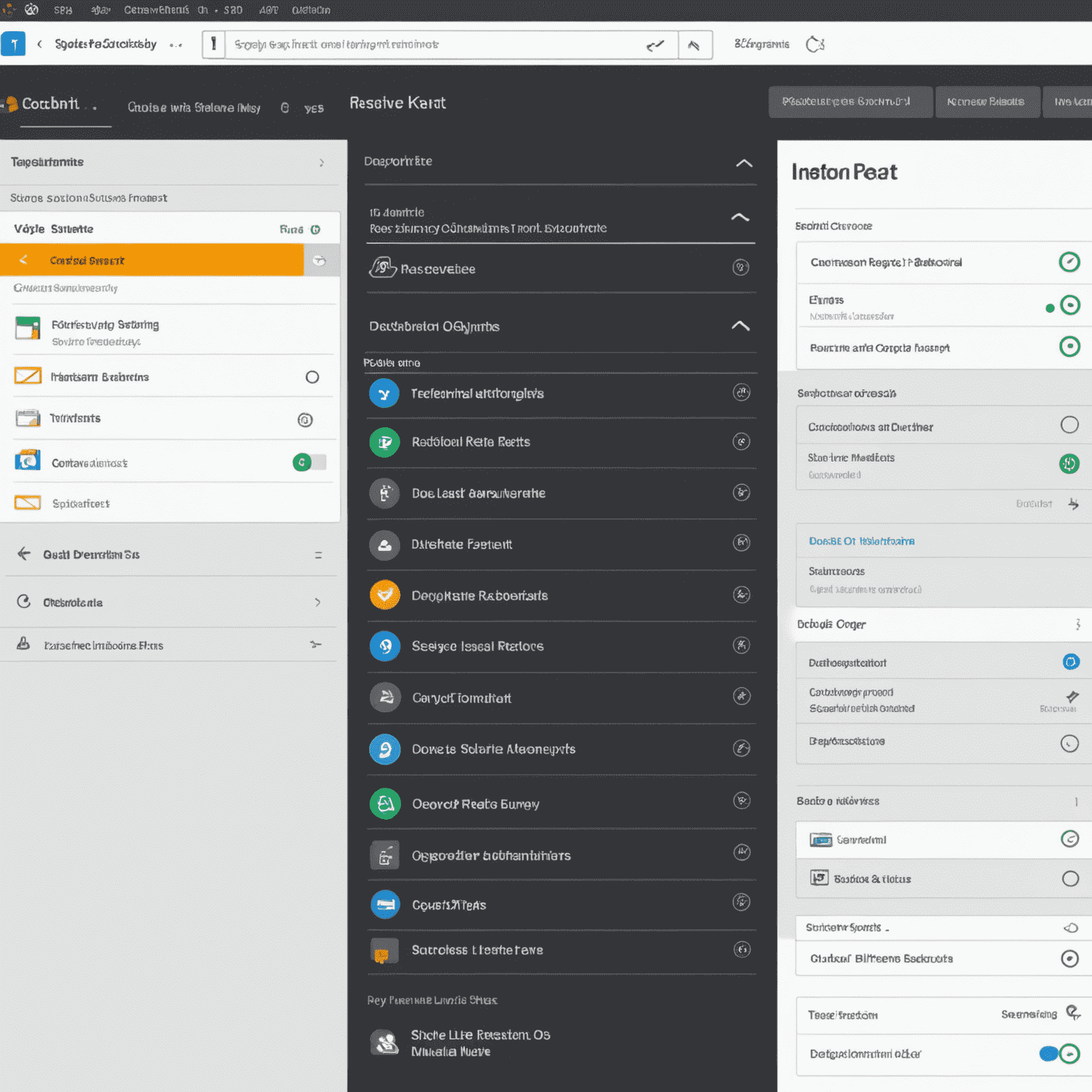
Efficiently map larger networks with our subnet scanning feature. Scan entire IP ranges or multiple subnets simultaneously, allowing for comprehensive network discovery across complex infrastructures. This tool is invaluable for IT professionals managing extensive network environments.
Remote Device Detection
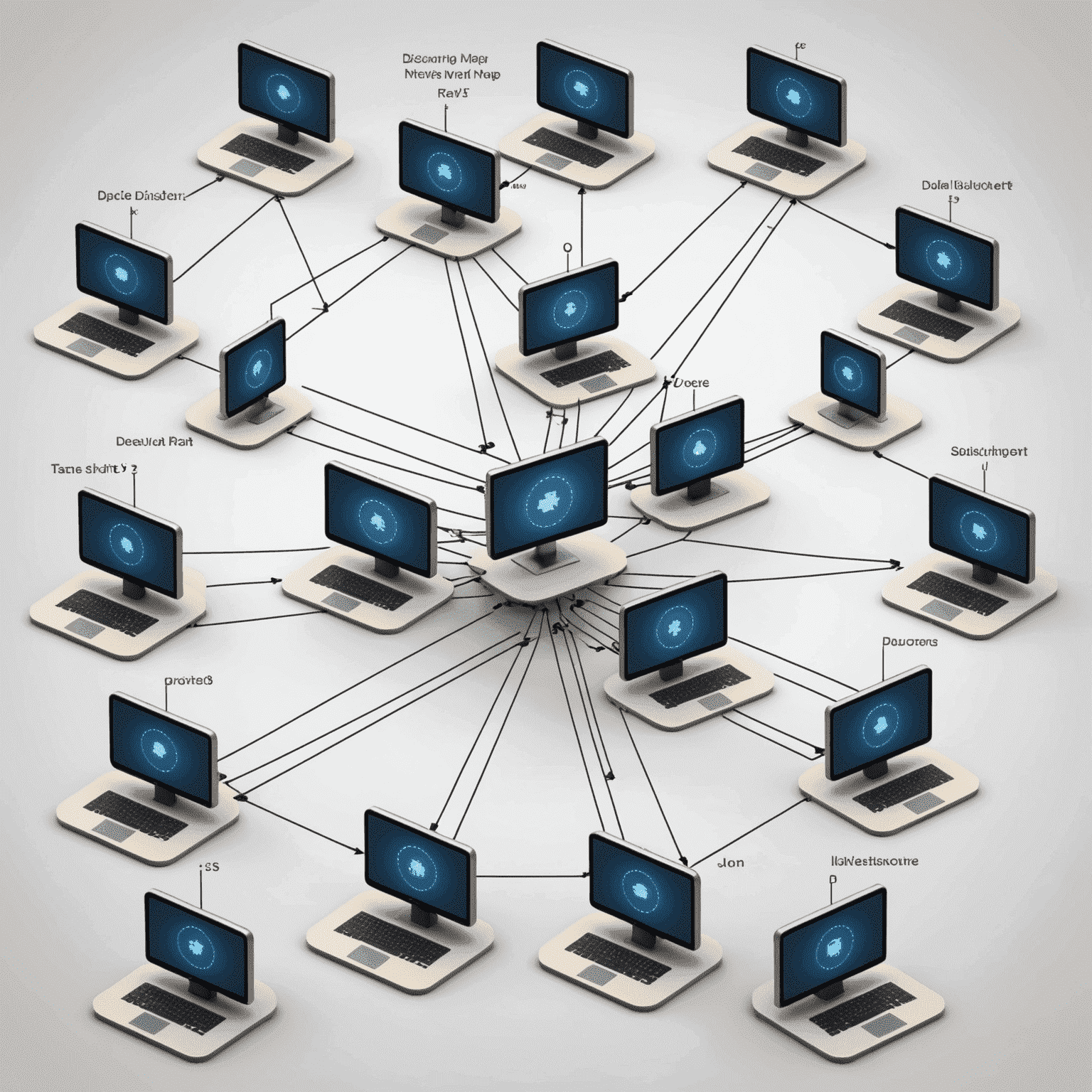
Our advanced IP scanner includes remote device detection capabilities, allowing you to discover and analyze devices that may not be directly connected to your local network. This feature is particularly useful for IT professionals managing distributed networks or conducting remote troubleshooting.